That makes different things matter than for a photo you only share. Four things while taking them, and three kinds of photo to leave out.
Daylight does most of the work
Whether you are photographing yourself or somebody else: shoot with the light behind you and avoid shooting into it. Your photo comes out sharper, and sharpness is exactly what shows up once a photo is printed.
Opening the curtains and standing near the window is not a tip for the advanced, then — it is the one thing you really have to do.
Look at the background first
A cluttered background goes unnoticed on a small screen and does not on a wall. So find something plain: a white wall, brickwork, a tiled pattern in the kitchen or the bathroom.
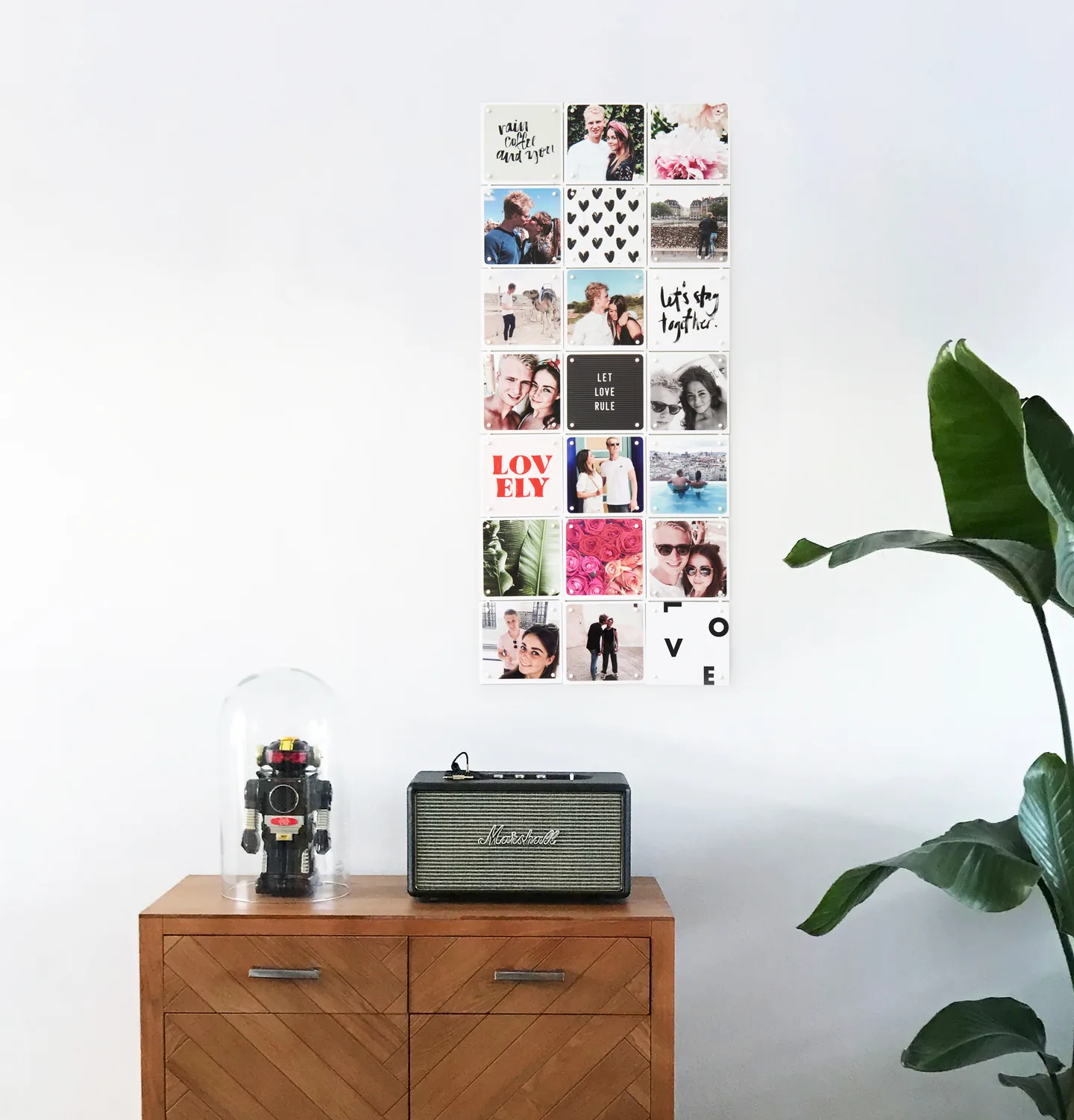
In a collage this counts twice over, because the backgrounds of all your photos end up next to each other. A few quiet backgrounds hold the whole thing together, even when the photos themselves come from five different years.
Use the good camera on your phone
The front camera — the one you use for a selfie — is almost always the lesser of the two. The rear camera gives a sharper image and more detail, and that detail is what a print shows.
So photograph yourself with the rear camera instead: set the timer, prop the phone up somewhere, or shoot a burst and pick the best afterwards. And hold the camera slightly above your eyes; from above is almost always kinder than from below.
How many pixels does a photo need?
That depends on the size: the larger the collage, the more resolution a photo needs. Count per card:
- 300 to 500 pixels for a 10x10 cm card
- 600 to 1,000 pixels for a 20x20 cm card
- One photo across several cards? Multiply. An enlargement 100 cm wide is five 20x20 cm cards, so that photo wants to be 3,000 to 5,000 pixels across.
You do not have to work this out yourself: the editor marks a photo with an exclamation mark when its resolution falls short. If it does, pick another one — we cannot guarantee the quality otherwise. Accepted file types are jpg, jpeg and png.
Photograph others when they forget the camera
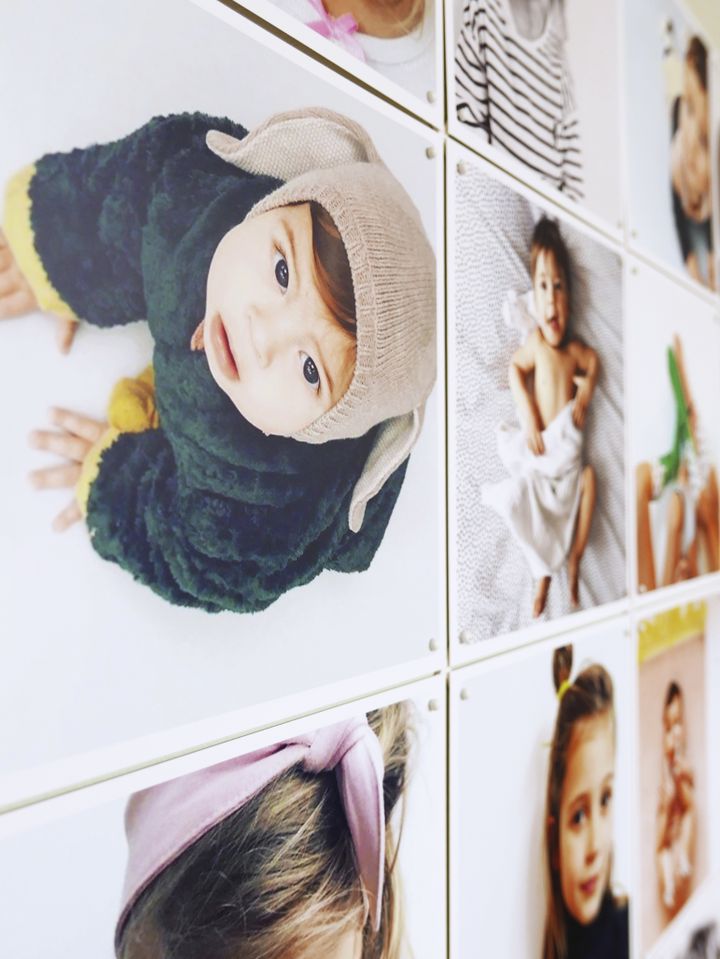
With a portrait the pitfall is not the technique but the stiffness. Someone posing mostly looks, in a collage, like someone posing. Three things that help:
- Photograph people where they belong. In the kitchen, on the pitch, in the garden. Someone in the middle of doing something does not have to think about how they are standing.
- Let people move. Rather than saying where to stand, let them walk about and keep shooting.
- Focus on the eyes. Tap the face on the screen; many phones also have a portrait mode that softens the background.
Three kinds of photo to leave out
- Forwarded photos. What arrives through a chat app has usually been shrunk. Ask whoever took it for the original.
- Screenshots. Those carry the resolution of a screen, not of a photo.
- Very dark photos. Brightening a dark photo works reasonably on a screen and not on paper: mostly you bring up the noise.
And then putting it together
Which photos to pick, what order they hang in and how to keep it calm is a separate question, and it lives with the photo collage itself.
Want one photo large rather than many side by side? A photo enlargement is the form for that. Every option is listed under photo products.
And the photos that do not quite make it? They are not lost: a photo album has room for the whole story, including the shots that would be too much on a wall.
Why adaptable wall art
You click lightweight, tear-proof cards together with X-connectors and mount them without drilling. Size and design are yours to set. With your own photos that is the good part: a photo you have tired of is replaced by a single card, and the rest stays up. Where to hang it is covered in creative ways to hang.